 Hardwood Games
 Hardwood Spades
 Hardwood Hearts
 Hardwood Euchre
 Hardwood Backgammon
 Hardwood Solitaire
 Video Poker Duel
 Dangerous Mines
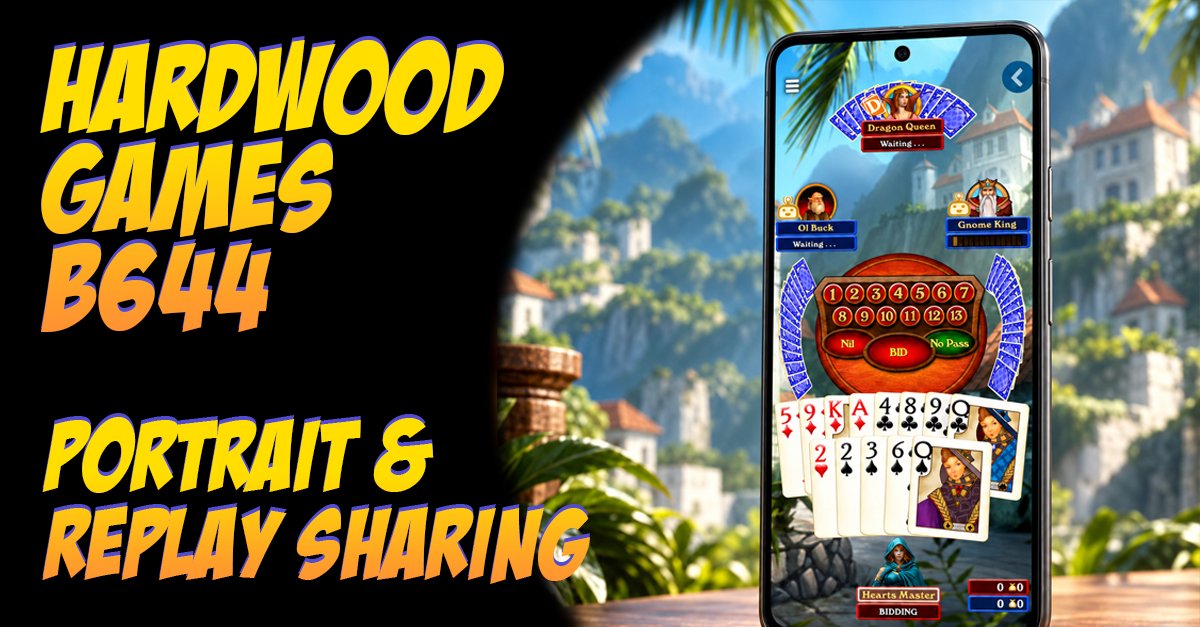
Update B644: Shareable Replays and Portrait Mode
Pull up a chair. Our newest update is all about replays: share any game as a link, and rewatch old hands from every seat at the table. We're also introducing full portrait mode, so you can play entire games with your phone turned any way you want.
For replay sharing this one started with screenshots. We kept seeing Spades players post them online: a wild Nil, a hand that went sideways, a partner play that needs a second opinion. Looking at those, we couldn't help thinking a screenshot only tells part of the story. What if you could hand someone the whole game and let them watch it play out right from that spot in the game?
So we built it.
Share a replay, not just a screenshot
After any game, tap Share and you get a link to that game's replay. Send it to a friend, drop it in a group chat, or post it wherever you like.
The person on the other end doesn't need to download anything. The link opens a full version of the game right in their web browser and takes them straight to that replay. They can watch every bid and every card, hand by hand, exactly as it happened.
That makes it easy to settle a debate, talk through a tricky play, or show off that perfect Nil.
We'll be honest about the other reason we built this: we'd love for more people to discover Hardwood. We're a small indie studio, and a replay link is about the best invitation we could ask for. Your friend gets to see a real game at a real table, with no download standing in the way.
Learn from your past games
Replays aren't only for bragging rights. They're one of the best ways to get better at Spades, and this update makes them a lot more useful.
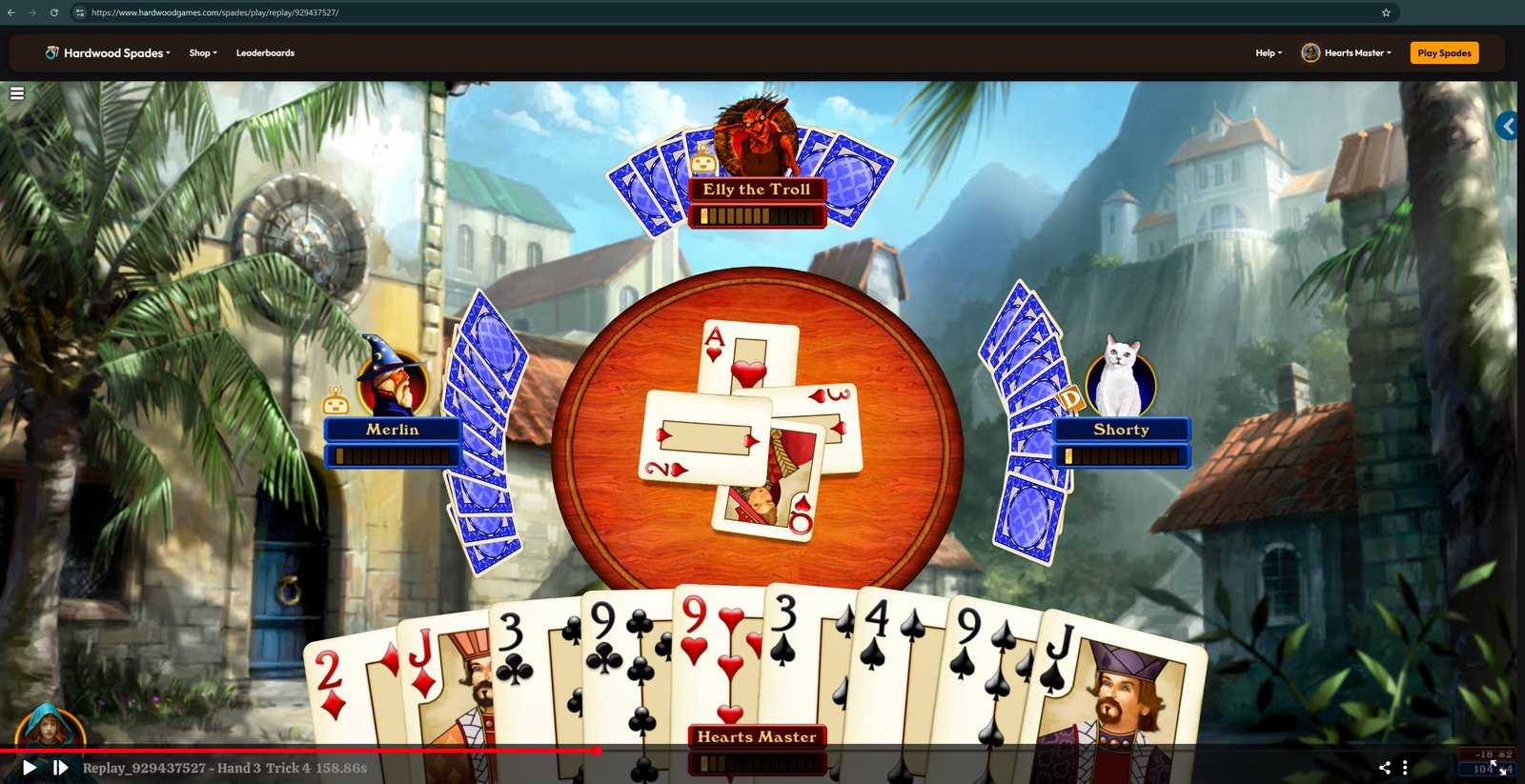
You can now switch seats while you watch a replay. During a live game you only ever see your own hand. In a replay you can sit in your partner's chair, or your opponents', and see exactly what they were holding. That bid that looked crazy at the time might make perfect sense once you see the cards behind it. Or it might not, and now you'll know.
Each seat also shows that player's own custom table and cards, so you see the game the way they saw it. It's a fun peek at how other players set up their game. If you'd rather keep your own look, you can turn this off.
Any way you spin it
Until now, portrait mode only covered the menus and settings. Once a game started, you had to turn your phone sideways.
Not anymore. You can now play full games in portrait or landscape, whichever is comfortable. Bidding, the table, the Game Over screen, the help book, single player setup, and the avatar editor all fit in portrait. Play one-handed on the couch, or turn it sideways for the big view. Either way, the whole game fits.
A few more things
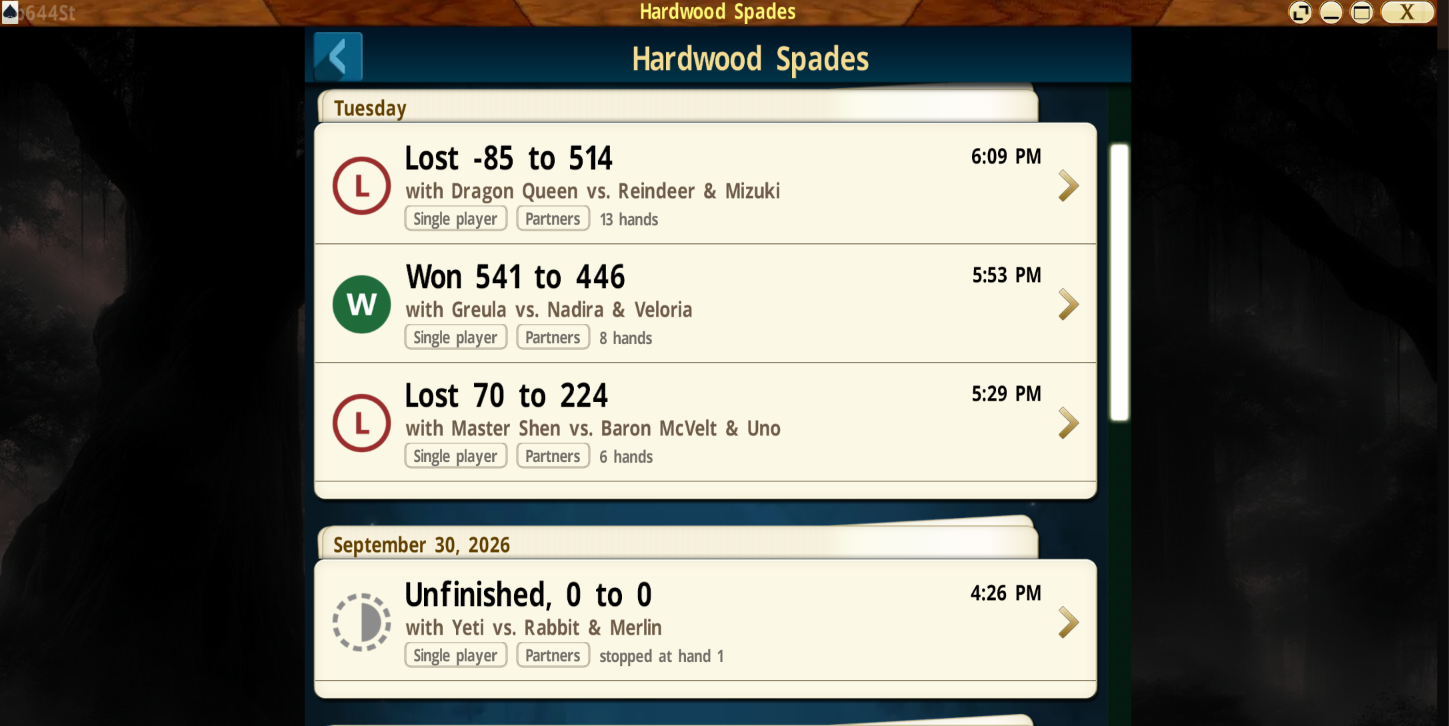
- Revamped Game History list. Each game now shows the final score, who you played with and against, whether it was online or single player, and how many hands were played. Finding that one game you want to rewatch is much quicker.
- Refreshed lobby room list. A cleaner layout, with Quick Play rooms grouped together at the top.
- No more playing the wrong card. On mobile, if you touched and held a card and then slid your finger to another one, the game could sometimes play the wrong card. It now always plays the card that's enlarged.
How to find your replays
- Right after a game: tap Rewatch or Share on the Game Over screen.
- In the game, any time: tap your player name on the main menu to open your Game History, then pick any game.
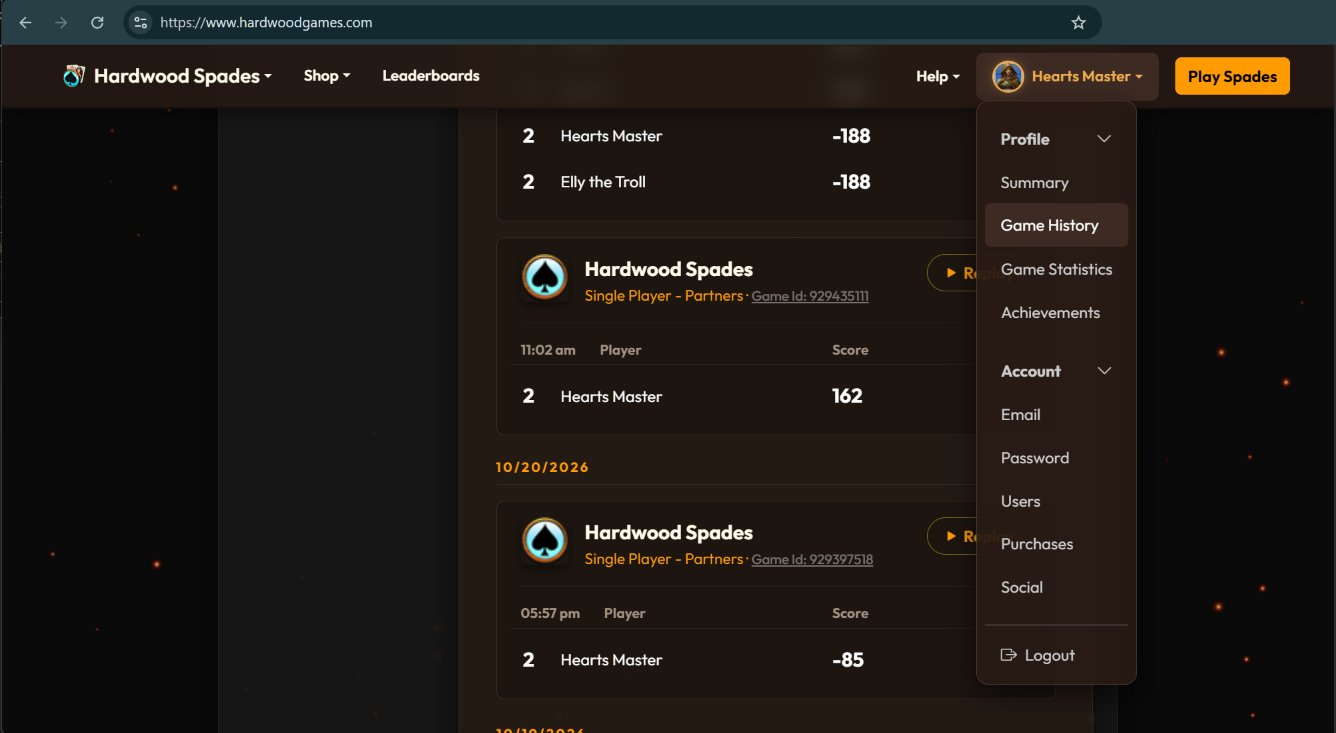
- On the web: sign in at hardwoodgames.com, tap your name at the top of the page, and choose Game History. Hit Replay on any game to watch it right in your browser, and share it from there if you like.
Update your app to get the new version, then go dig up a hand you've been wondering about. And if you share one, we'd love to see it.
See you at the table.